



RosterSwift Crew: One crew app, configured for your airline
One product for crew: the crew app on iPhone and Android, and the admin portal your airline runs it from.
iPhoneAndroid
The app
A tour of RosterSwift Crew
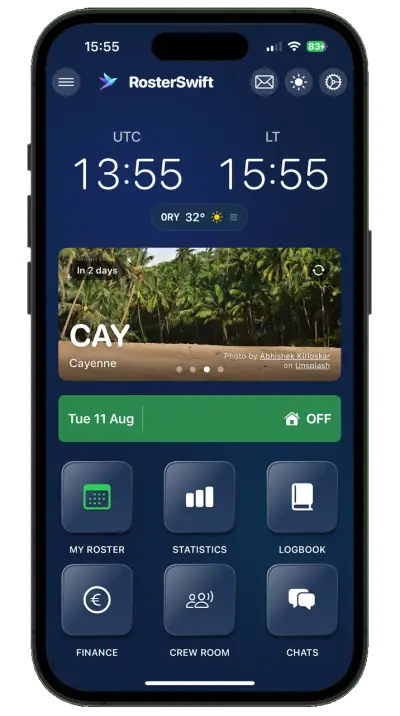
The screens your crews open every day, configured for your airline.
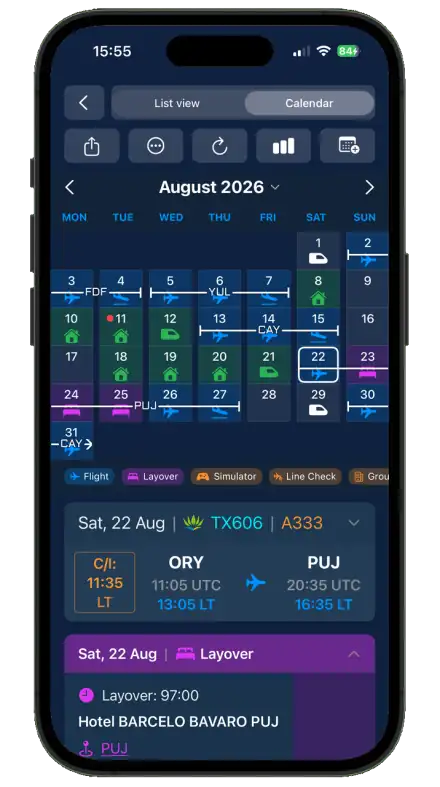
Your roster
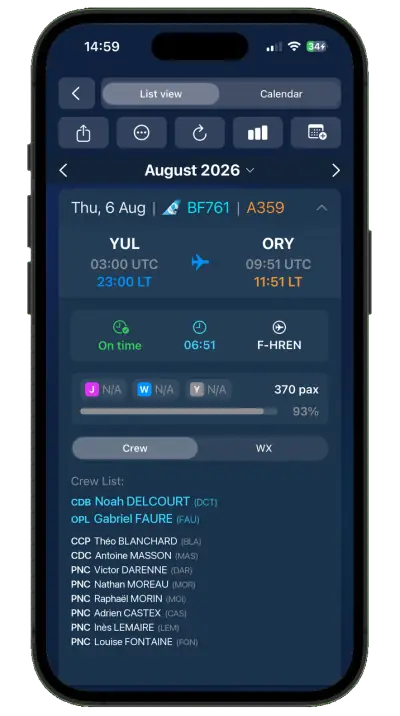
Rosters arrive from your crew system and stay current on their own, with changes highlighted.
- List and calendar views, in UTC and local time
- Every flight with times, aircraft, crew and layover
- Readable offline, on the ramp and on layovers
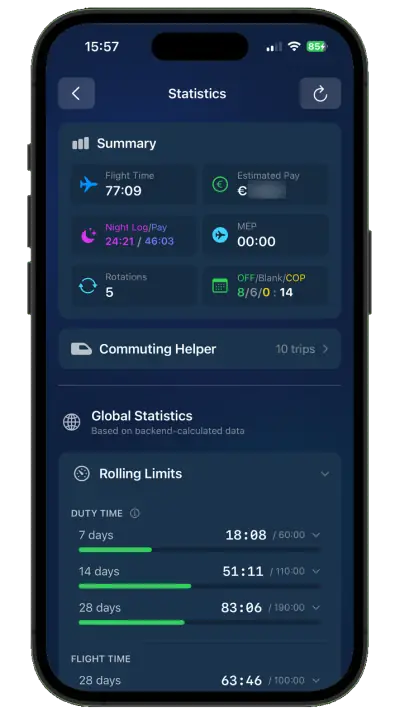
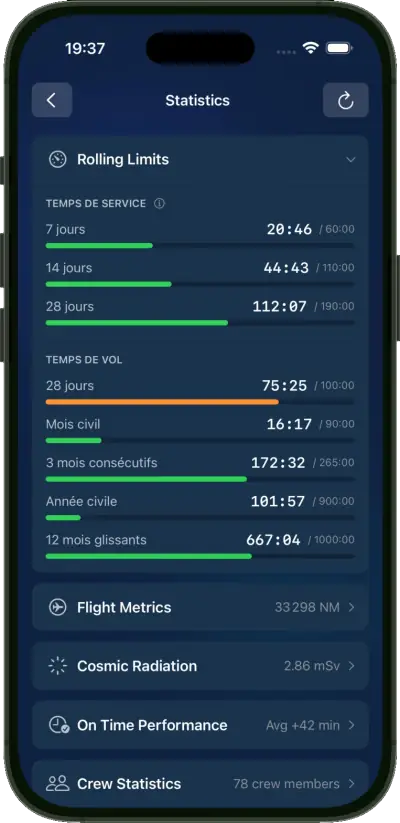
Know your numbers
Duty and flight time against the rolling limits, with the statistics crews ask about.
- Rolling duty and flight-time windows, each with a bar
- Flight metrics, on-time performance and records
- Pay estimates from your agreements, where configured
Ask for what you want
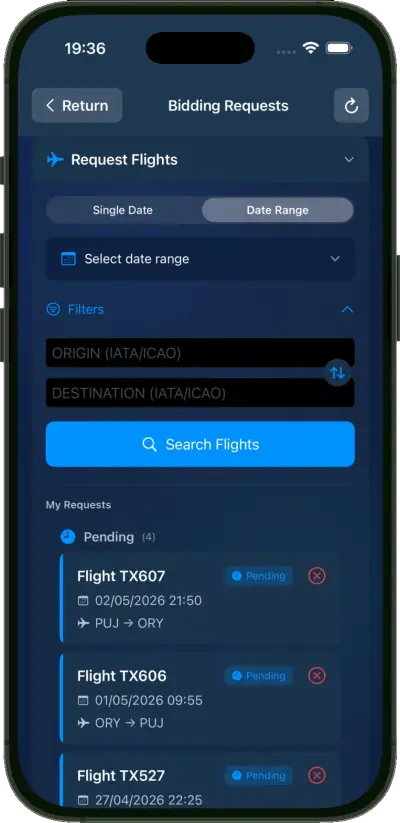
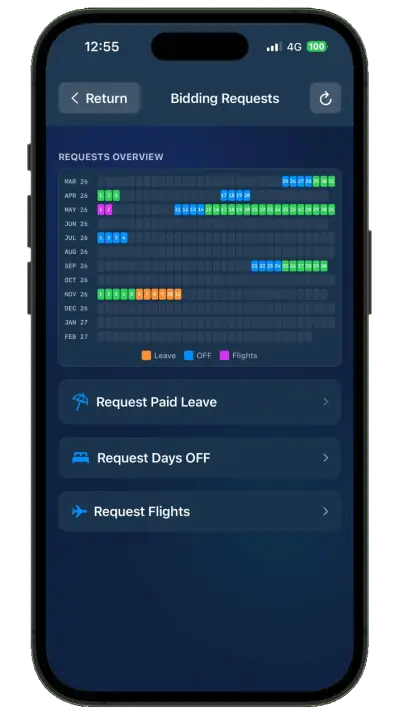
Days off, leave and flight requests from the app, followed until your crew system decides.
- Every request and its status on one grid
- Flight search by date, route and destination
- The decision stays with your crew-management system
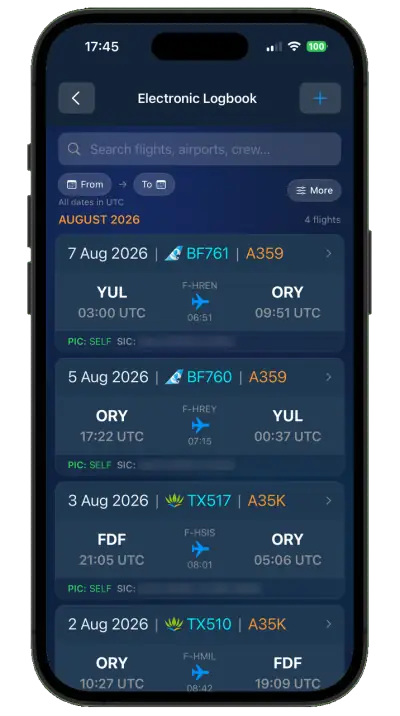
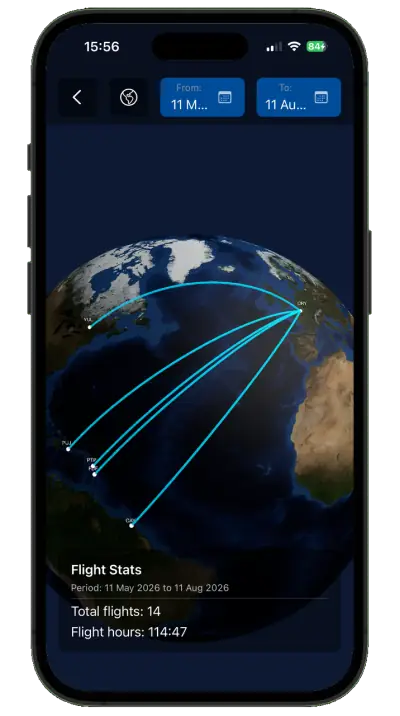
Your logbook
A pilot logbook that fills itself from flown duties.
- Flight by flight, searchable, with aircraft and registration
- Totals for any period, and every route on a globe
- Import from and export to common logbook formats
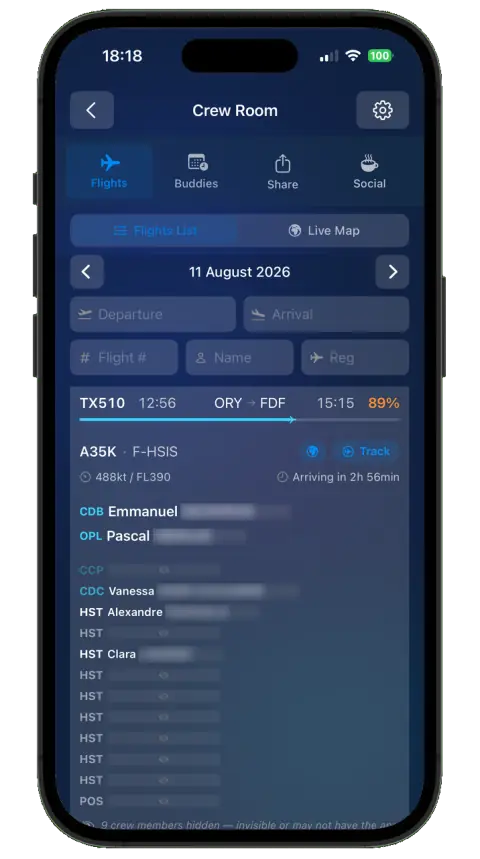
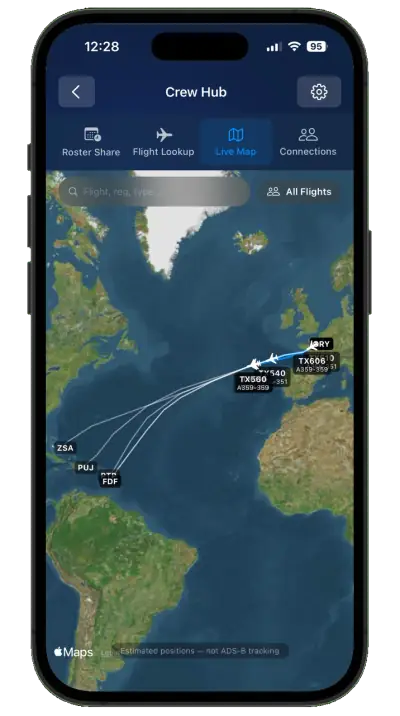
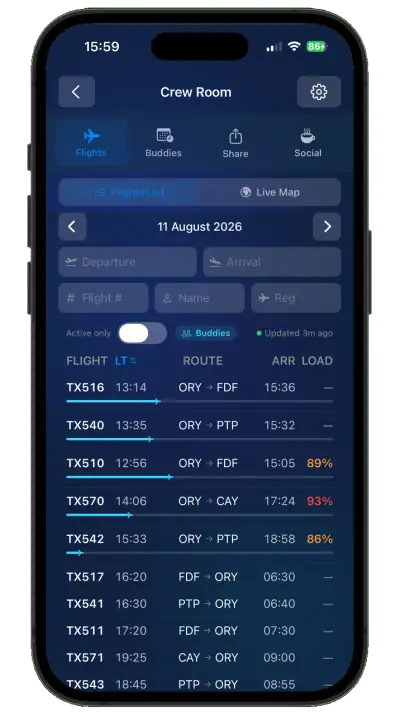
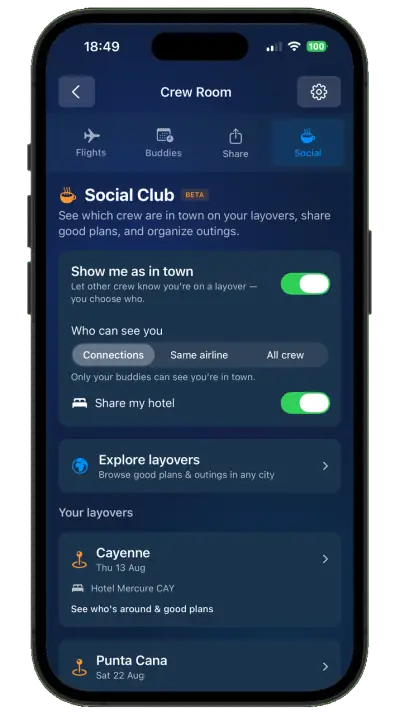
The Crew Room
The airline's flights of the day, and the colleagues each crew member chooses to connect with.
- The day's flights as a list or on a live map
- Rosters compared side by side with chosen colleagues
- Who is in town on a layover, for those who opt in
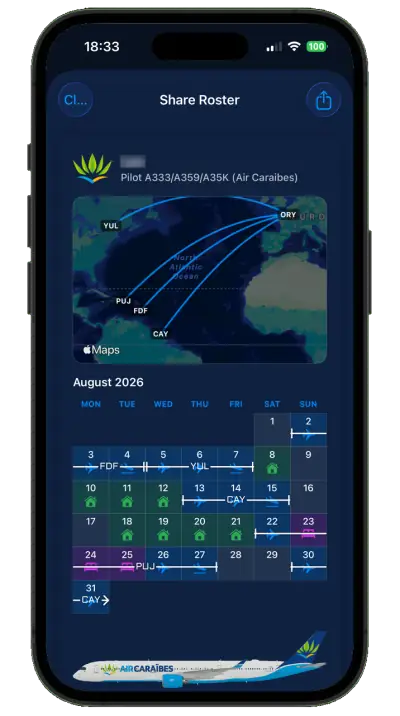
Share, privately
Crews share their schedule with the people who need it, and nothing more.
- The month as an image, a PDF or a calendar subscription
- Family follow trips without seeing colleagues' names
- Every link can be revoked
01 Modules
What your crews get
-
Roster and calendar
Always-current rosters, with changes highlighted.
-
Duty requests
Days off, leave and flight requests from the app.
-
FTL at a glance
Duty and flight time against the limits.
-
Pay estimates
Monthly estimates from your agreements.
-
Gen Dec
The General Declaration for each flight.
-
Crew chat
Private and group chat with the crew of each flight.
-
Pilot logbook
Filled automatically from flown duties.
-
Schedule sharing
Share the roster with family, privately.
-
Admin portal
Accounts, single sign-on, roles, settings, message drafts and audit.
Under development
-
Monthly activity statement
Each crew member’s month, priced from what was flown, to confirm or dispute in the app.
Planned
Connected
Connected to crew control
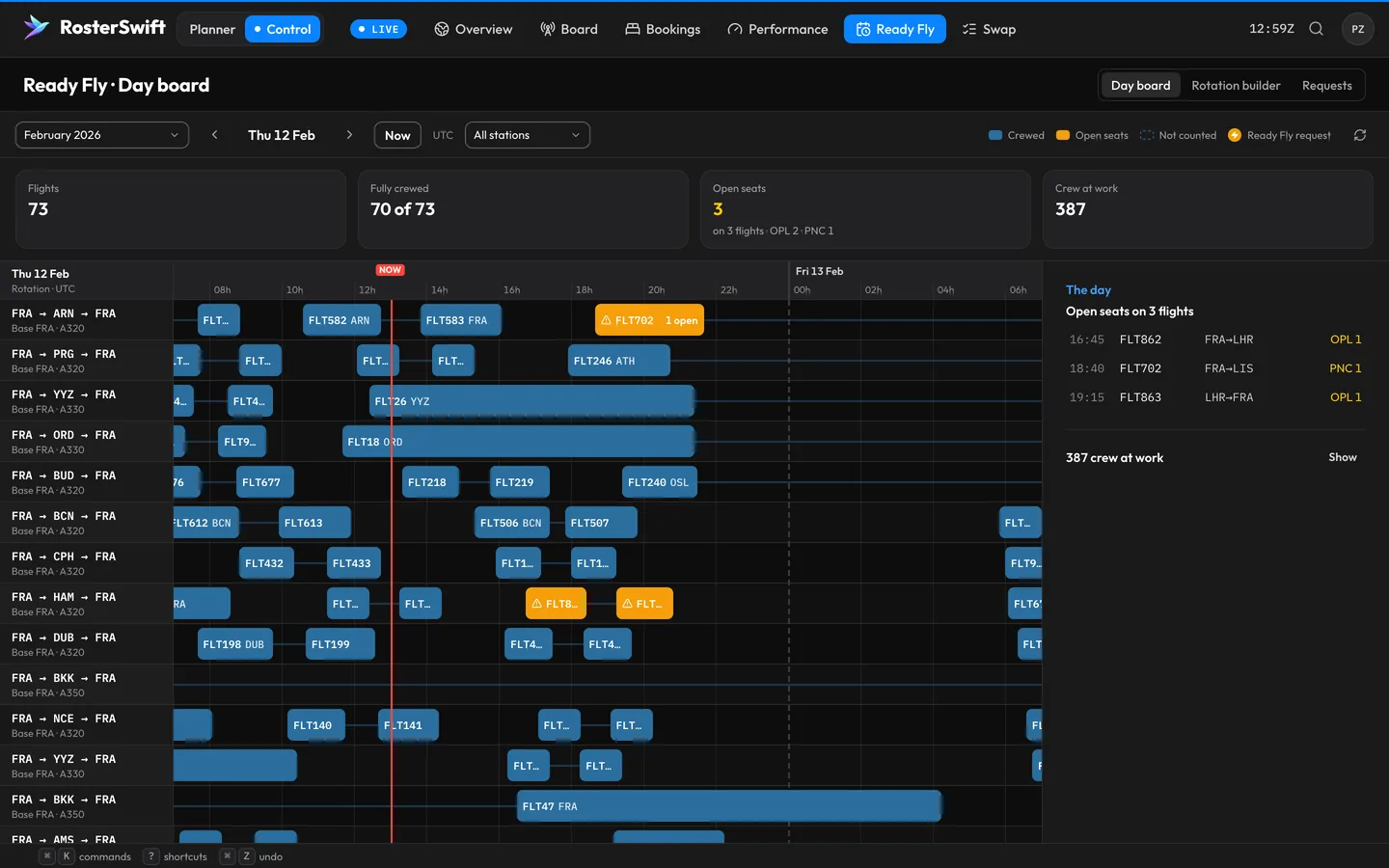
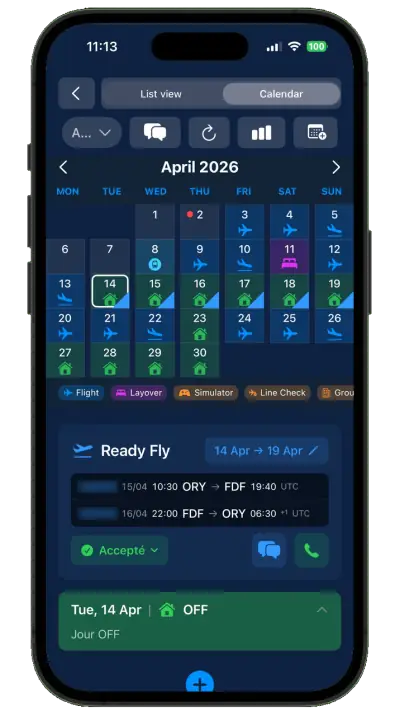
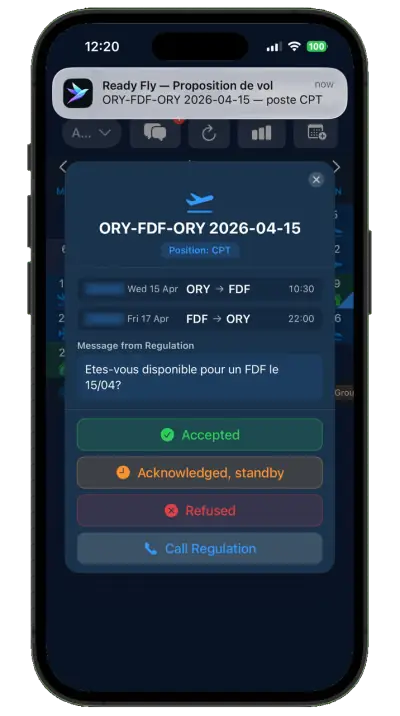
Ready Fly and Swap link RosterSwift Control and RosterSwift Crew, so controllers and crews work on the same roster.
-
Ready Fly
For an uncovered flight, crew control finds available crew who are legal for it and offers it to them in RosterSwift Crew.
Under development
-
Swap
Crew exchange duties from RosterSwift Crew. Every swap is checked against your rules and approved in RosterSwift Control.
Under development

Tell us about your airline
We reply within 2 business days.