



RosterSwift Planner: Crew pairing and rostering, optimised for your airline
RosterSwift Planner is your crew planning: legal pairings and rosters built from your flight schedule, leave and requests handled fairly, and the roster published to your crews’ app, with every rule checked.
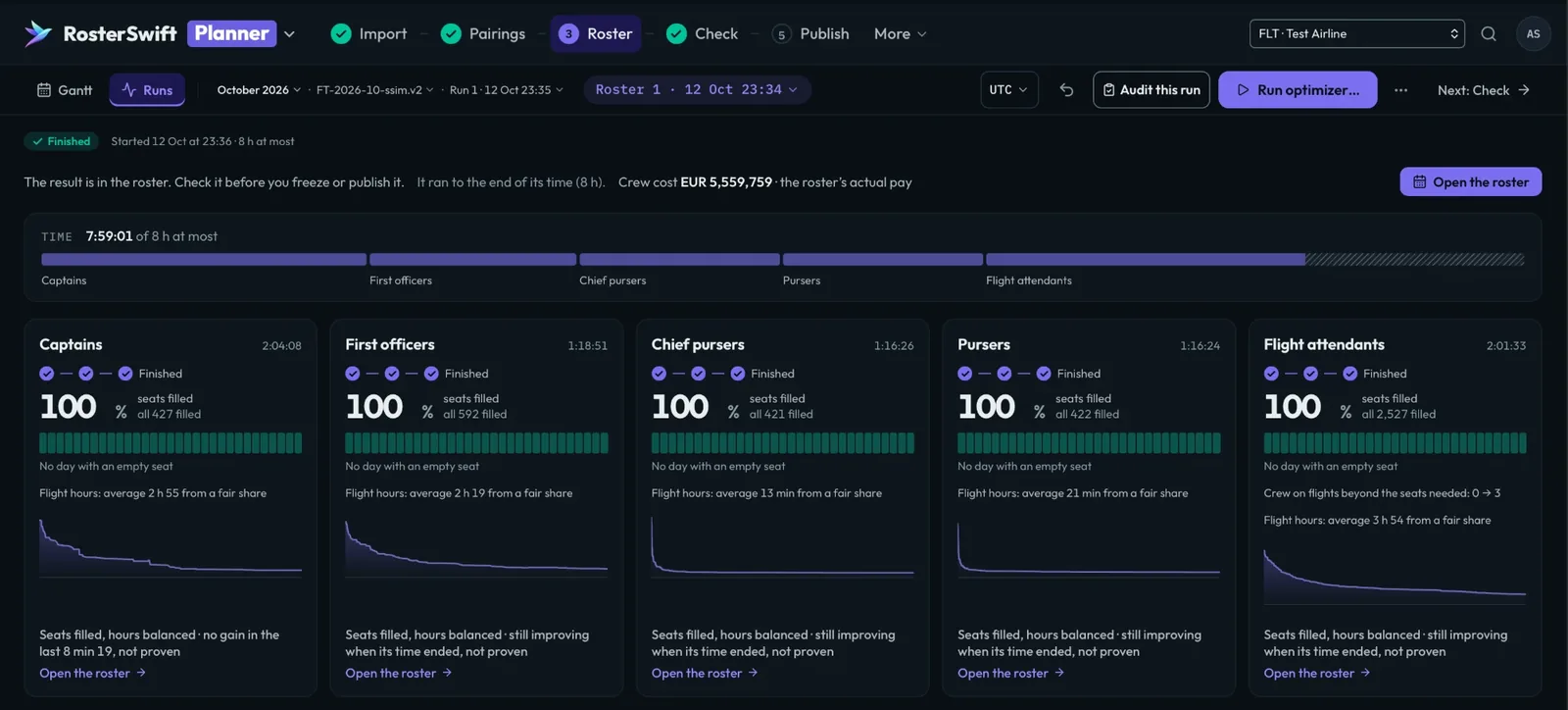
Roster runOctober · all positions
RunningFinished
Timeof 8 h at most
- Captainsseats filled, hours balanced
- First officersseats filled, hours balanced
- Chief pursersseats filled, hours balanced
- Pursersseats filled, hours balanced
- Flight attendantsseats filled, hours balanced
The result is in the roster. Check it before you freeze or publish it.
01 How it works
From flight schedule to published roster
-
01
Import your schedule
Your flight programme, crew, qualifications, leave and training.
-
02
Optimise pairings
The lowest-cost set of legal pairings that covers every flight.
-
03
Build rosters
Pairings, days off, leave and training assigned to each crew member.
-
04
Refine and publish
Your planners adjust, compare scenarios and publish to the crew app.
02 Capabilities
What Planner does
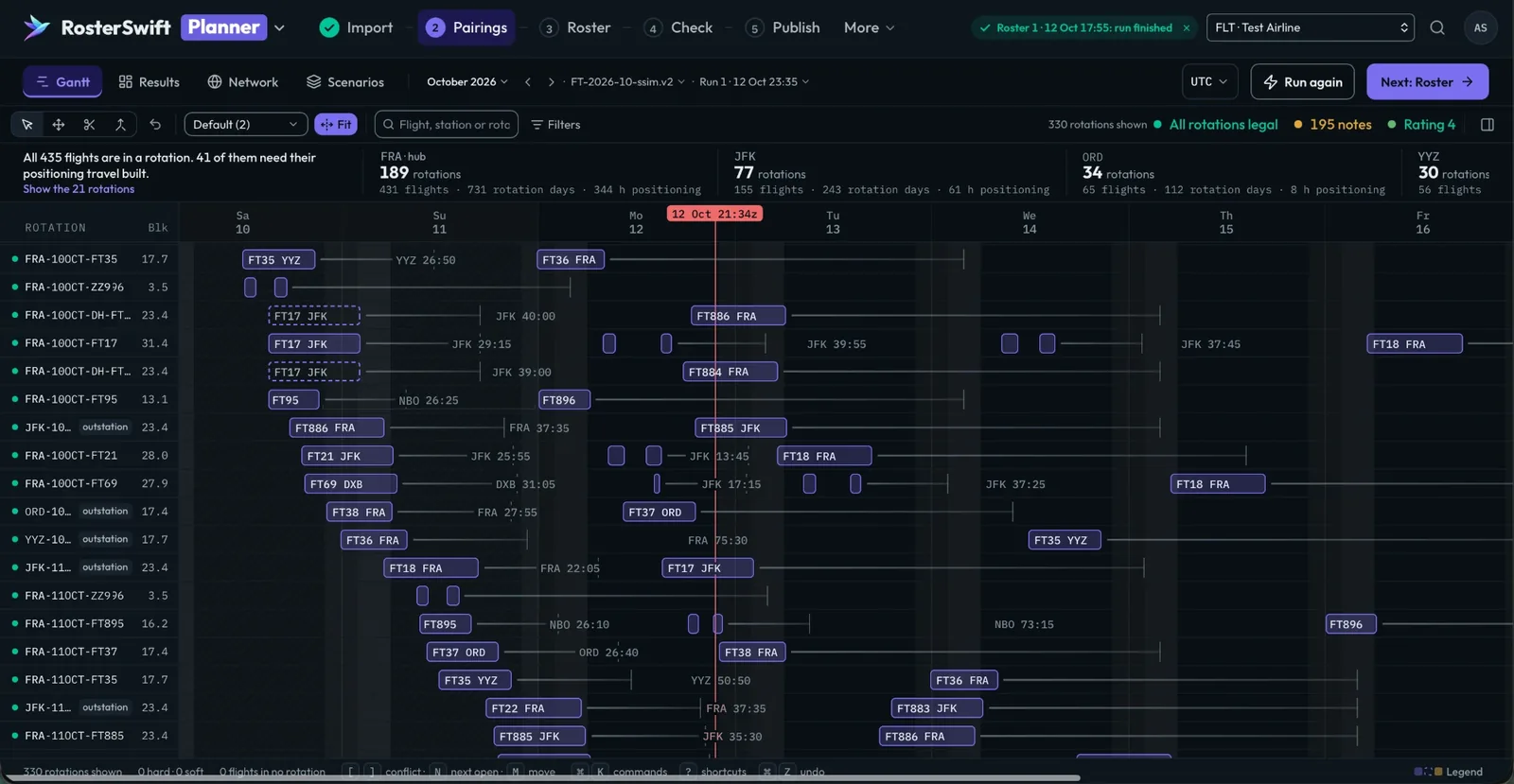
Efficient pairings, built to hold up
Planner covers your whole flying programme with the most efficient set of legal pairings, for multi-base, multi-fleet, short- and long-haul operations, augmented crews included.
- Lower costFewer duty days, hotel nights, per diem and positioning flights.
- Robust by designPlanning margins below the limits and rest buffers keep pairings workable on a bad day.
- Every rule respectedFlight-time limits, your company rules and your crew agreements, on every pairing.
Complete, fair rosters
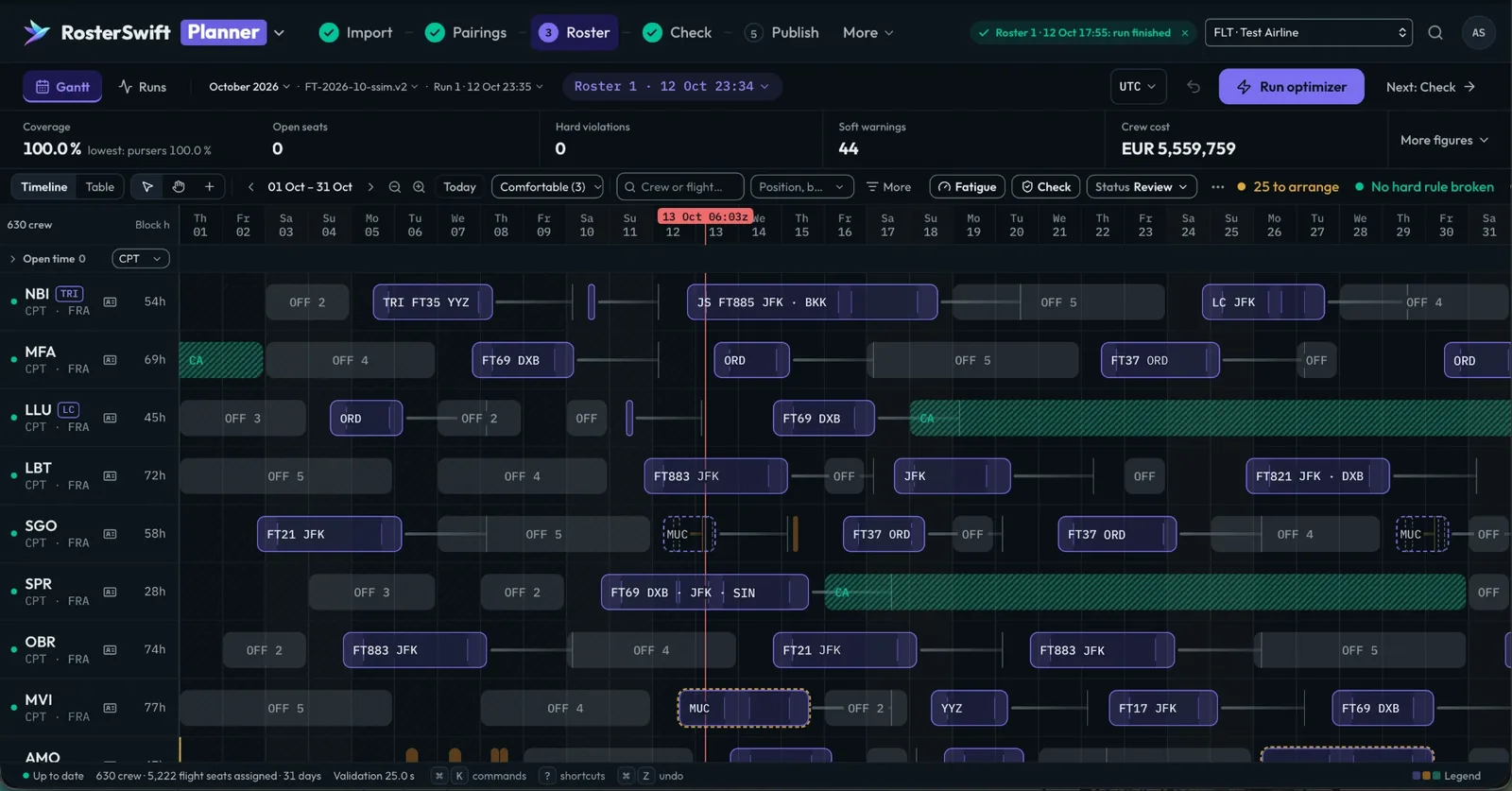
Rosters are built month by month from the optimised pairings, with everything else a crew member's month contains.
- Complete rostersPairings, days off, leave, training and simulator sessions, assigned together.
- Fair by designBlock hours and duties balanced across your crews, weekends off respected.
- Coverage at a glanceSee what is covered, day by day, before anything is published.
Your planners keep the last word
Planner proposes, your planners decide: they compare scenarios, adjust with every change checked, and nothing is published until they say so.
- What-if scenariosBuild scenarios side by side, compare them and keep the best of each.
- Safe editsSwap and reassign pairings with instant legality checks, and undo.
- Analysis and exportRoster analysis and exports for your teams and systems.
03 Your rules
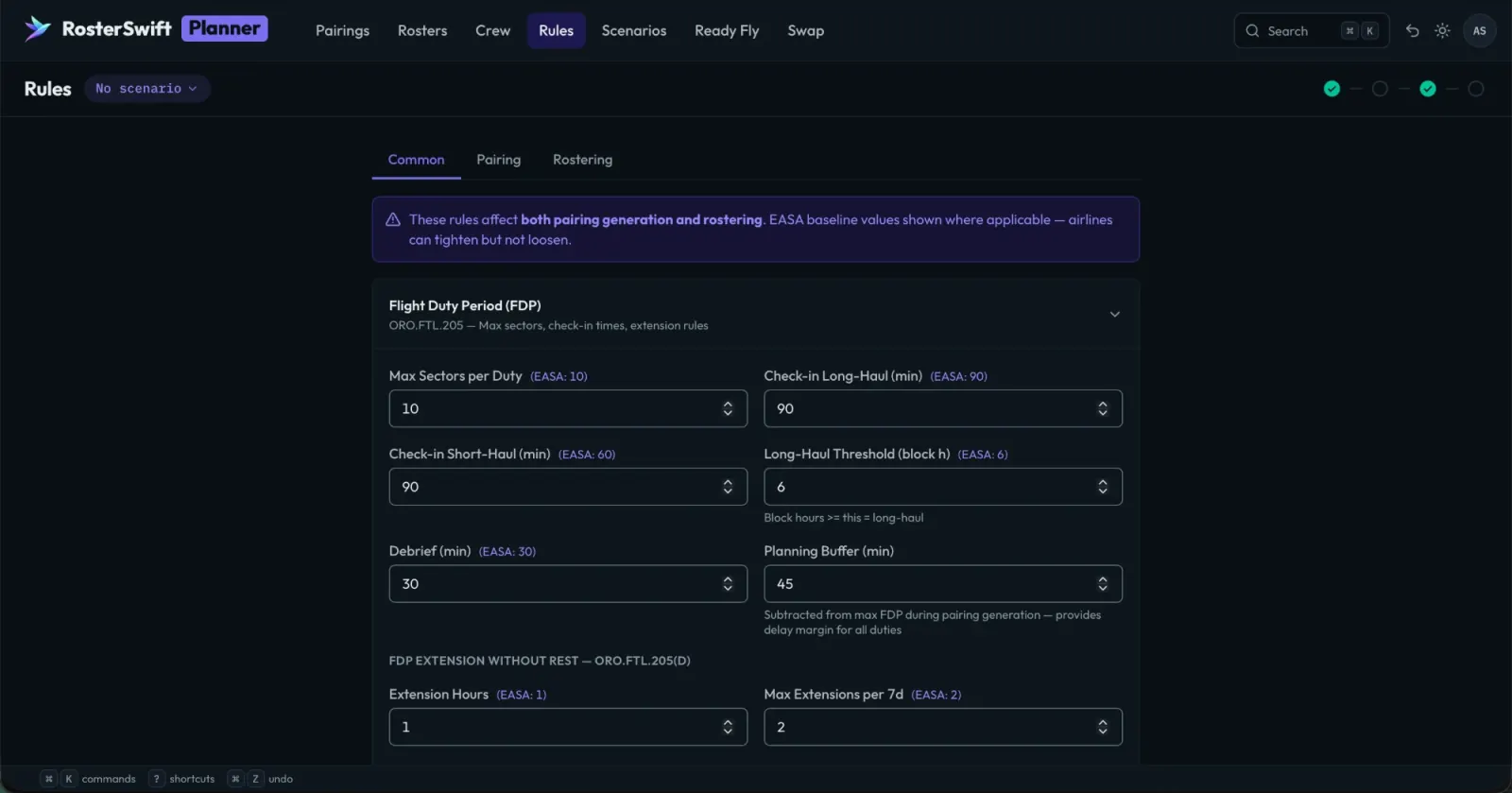
Configured to your airline
Planner starts from the EASA flight-time limitations and adds your company rules, crew agreements, bases, fleets and hotels. Hosted by us in France or deployed in your infrastructure, with support and maintenance from our team.
- Flight duty period
- Rest before duty
- Days off in period
- Block hours over 28 days
- Your company rules
- Your crew agreements
In the suite
From the plan to the day
Planner pairs from the schedule built in RosterSwift Network, publishes to RosterSwift Crew, and hands the published roster to RosterSwift Control for the day of operations.